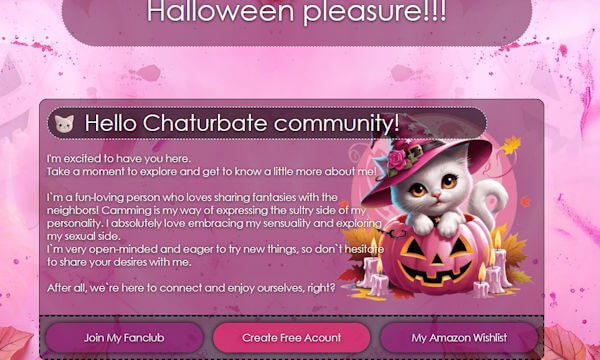
Diseño 131 – perfil VideoChat Chaturbate ya creado
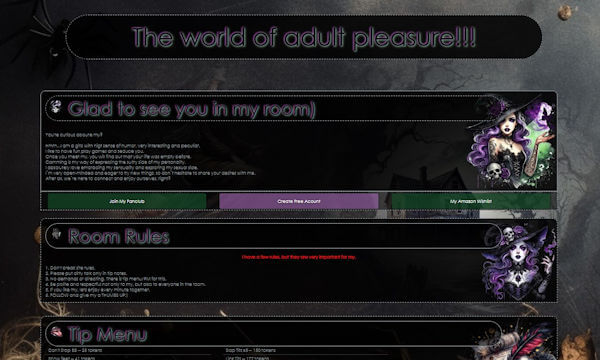
Perfil creado con tonos oscuros, perfecto para ponerlo en tu BIO en el periodo del halloween. Ademas, nos puedes enviar tus imagenes si deseas personalizar el perfil. En general, en…
%PDF- %PDF-
| Direktori : /scripts/ |
| Current File : //scripts/installpostgres |
#!/usr/local/cpanel/3rdparty/bin/perl
# Copyright 2025 WebPros International, LLC
# All rights reserved.
# copyright@cpanel.net http://cpanel.net
# This code is subject to the cPanel license. Unauthorized copying is prohibited.
package scripts::installpostgres;
use strict;
use warnings;
use Cpanel::Debug ();
use Cpanel::OS ();
use Cpanel::SafeRun::Simple ();
use Cpanel::SysPkgs ();
use Cpanel::Chkservd::Manage ();
use Cpanel::PostgresUtils ();
use Cpanel::PostgresUtils::PgPass ();
use Cpanel::ServerTasks ();
use Whostmgr::Postgres ();
exit( run(@ARGV) // 0 ) unless caller();
sub help {
my $msg = <<EOF;
Usage: installpostgres [--help] [--yes]
Installs the supported version of PostgreSQL.
Options:
--help This message.
--yes Bypass confirmation prompt.
EOF
print $msg;
return 0;
}
sub prompt {
my ( $message, @args ) = @_;
chomp $message;
print $message;
if ( !@args || $args[0] !~ /\-\-yes/ ) {
my $res = <STDIN>;
if ( $res !~ /^y/i ) {
print "Exiting...\n";
exit();
}
}
return;
}
# replace system calls
sub _run_and_log_cmd { ## no critic(RequireArgUnpacking) # doesn't make sense in this case
Cpanel::Debug::log_debug( '[EXEC] ' . join( " ", @_ ) );
my $out = Cpanel::SafeRun::Simple::saferunallerrors(@_);
chomp($out);
Cpanel::Debug::log_info($out);
return $out;
}
# Get more info with CPANEL_DEBUG_LEVEL set
sub _debug_run_and_log_cmd { ## no critic(RequireArgUnpacking) # doesn't make sense in this case
Cpanel::Debug::log_debug( '[EXEC] ' . join( " ", @_ ) ) if $Cpanel::Debug::level;
my $out = Cpanel::SafeRun::Simple::saferunallerrors(@_);
chomp($out);
Cpanel::Debug::log_debug($out) if $Cpanel::Debug::level;
return $out;
}
sub run {
my @args = @_;
return help() if grep { $_ eq '--help' } @args;
die "cPanel does not support PostgreSQL on this system at this time!" unless Cpanel::OS::supports_postgresql();
my $restart_instruction = "\tsystemctl restart postgresql";
my $minversion = Cpanel::OS::postgresql_minimum_supported_version() . '.x';
if ( my $old_pg_home = Cpanel::PostgresUtils::find_pgsql_home() ) {
my $notice = <<"EOS";
This script installs PostgreSQL $minversion or later.
If your system runs an older version of PostgreSQL, you must
dump your databases to a file, and then restore them after
installation.
PostgreSQL $minversion is NOT backwards compatible.
If no PostgreSQL databases exist on your system, run the
following command to force the creation of a PostgreSQL $minversion -style
setup:
\tmv $old_pg_home $old_pg_home.old
$restart_instruction
Do not run this command if databases exist that you wish to keep!
Are you certain that you wish to proceed? [y/(n)]:
EOS
prompt( $notice, @args );
}
else {
my $notice = <<"EOS";
This script installs PostgreSQL $minversion or later.
Are you certain that you wish to proceed? [y/(n)]:
EOS
prompt( $notice, @args );
}
Cpanel::Debug::log_info("Installing Postgres...");
my $syspkgobj = Cpanel::SysPkgs->new();
if ( !$syspkgobj ) { die Cpanel::Debug::log_error("The system could not create the SysPkgs object."); }
$syspkgobj->install( 'pkglist' => Cpanel::OS::postgresql_packages() );
my $pg_user = Cpanel::PostgresUtils::PgPass::getpostgresuser();
my $pg_home = Cpanel::PostgresUtils::find_pgsql_home( 'user' => $pg_user );
my $pg_data = Cpanel::PostgresUtils::find_pgsql_data( 'home' => $pg_home );
my @cmd;
foreach my $alias ( @{ Cpanel::OS::postgresql_service_aliases() } ) {
my $service = 'postgresql';
if ( !-e "/etc/init.d/$service" && -e "/etc/init.d/$alias" ) {
symlink( $alias, "/etc/init.d/$service" );
}
}
if ( !-e "$pg_data/global" ) {
foreach my $cmd ( @{ Cpanel::OS::postgresql_initdb_commands() } ) {
@cmd = split ' ', $cmd;
_debug_run_and_log_cmd(@cmd);
}
}
@cmd = qw{/usr/local/cpanel/scripts/cpservice postgresql enable 35};
_debug_run_and_log_cmd(@cmd);
@cmd = qw{/usr/local/cpanel/scripts/cpservice postgresql start};
_debug_run_and_log_cmd(@cmd);
@cmd = qw{/usr/local/cpanel/scripts/setpostgresconfig --force};
_debug_run_and_log_cmd(@cmd);
my ( $status, $message );
Cpanel::Debug::log_info("Updating postgresql configuration now...");
( $status, $message ) = Whostmgr::Postgres::update_config();
print $message. "\n" if $message;
Cpanel::Debug::log_info("Attempting to restart postgresql...");
@cmd = qw{/usr/local/cpanel/scripts/restartsrv postgresql};
_debug_run_and_log_cmd(@cmd);
my $install_ok = $? == 0 ? 1 : 0;
if ($install_ok) {
Cpanel::Debug::log_info("Creating dbowners for existing cpusers...");
( $status, $message ) = Whostmgr::Postgres::create_dbowners_for_cpusers();
print $message. "\n";
$install_ok &&= $status;
if ($install_ok) {
print q{
The PostgreSQL packages successfully installed. To configure PostgreSQL,
set your password, and enable PostgreSQL for user accounts, navigate to
WHM's Configure PostgreSQL interface (Home >> SQL Services >> Configure PostgreSQL).
};
print "Setting a random password for the PostgreSQL database user.\n";
_debug_run_and_log_cmd( '/usr/local/cpanel/bin/postgrescheck', '--check-auth', '--reset-pass-on-fail' );
_debug_run_and_log_cmd('/usr/local/cpanel/bin/cpsessetup');
# If PostgreSQL has never been listed under chkservd, enable monitoring for it.
# (This might happen if the service was uninstalled manually but reinstalled with this script.)
# Doing this prevents /scripts/check_unmonitored_enabled_services from complaining to the admin
# who is installing PostgreSQL for the first time on this system.
my %MONITORED = Cpanel::Chkservd::Manage::getmonitored();
Cpanel::Chkservd::Manage::enable('postgresql') unless exists $MONITORED{'postgresql'};
}
}
# install_ok value can change in the previous block
if ( !$install_ok ) {
print STDERR qq{The PostgreSQL installation failed!\n};
}
# reset haspostgres if great success
Cpanel::ServerTasks::schedule_task( ['CpDBTasks'], 5, 'build_global_cache' ) if $install_ok;
return $install_ok ? 0 : 1;
}
1;
Perfil creado con tonos oscuros, perfecto para ponerlo en tu BIO en el periodo del halloween. Ademas, nos puedes enviar tus imagenes si deseas personalizar el perfil. En general, en…
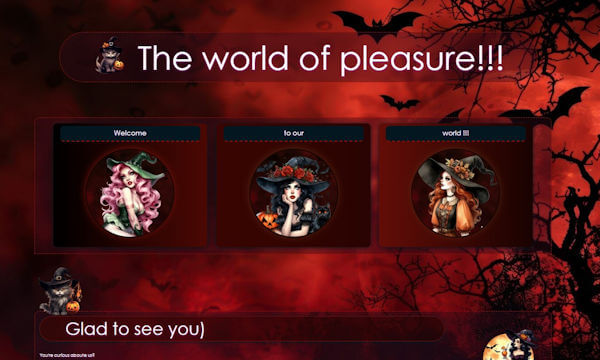
Un diseño lleno de color, espacialmente concebido para el halloween. Como elementos distintivos son los lindos gatitos y las brujas. Ademas se puede usar pod parte de las parejas o…
Un diseño tenebroso para tu sala de videochat en la noche de halloween. La plantilla esta bastante simple y la pueden usar sin grandes modificaciones. Ver Demo Las instrucciones con…
Un diseño para usar en halloween muy bonito y bastante completo. Podemos agregar como extra una seccion de fotos si lo deseas. Visita la demo y si te convence, escribanos…
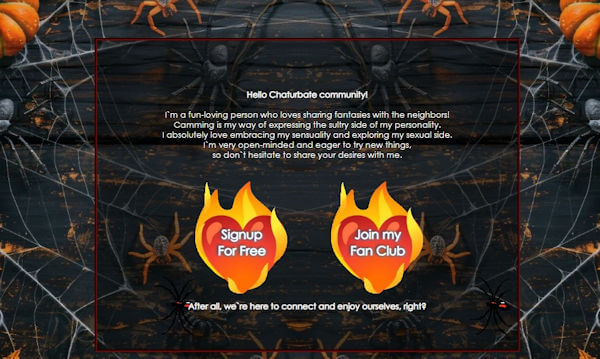
Las arañas son un clasico del halloween. En esta ocasion las tarantulas son el elemento principal de este diseño. Si dispones de algunas fotos tuias para esta ocazion podemos cambiar…
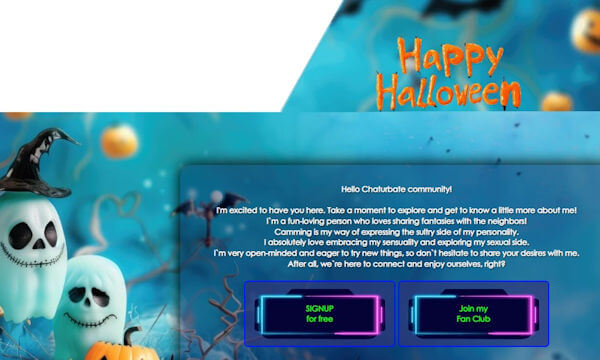
Pink y "cute" para el halloween. Un diseño muy bonito y totalmente recomendable para la noche de halloween. Las calabazas, los gatos y las fantasmas, sugieren la noche de halloween,…
Mira la "demo" de este diseño porque creemos que contiene la mayor parte de la informacion que deseas mostrar a tus usuarios. Si nos cantabta, podemos eliminar o incluso agregar…
Para todas aquellas chicas que les gusta estar a la moda, les trajemos este diseño en tonos claros y con bastantes secciones que se pueden personalizar segun tus instrucciones. Ver…
Elementos misticos, principalmente egipcios, con fondo en movimiento. Es un diseño mui apropiado para todas las personas que ses gusta la antigua cultura, los faraomes y los mitos que dan…
Un perfil muy bonito con elementos en movimiento. Evoca un ambiente festivo, lujoso con elementos dorados sobre un fondo verde oscuro. Pruebalo en tu sala y envianos un email si…